

Be seen when people search.
Top placement and ads on WoSuch: fixed positions, limited places per region and rules you know before you book.
Two ways to the front
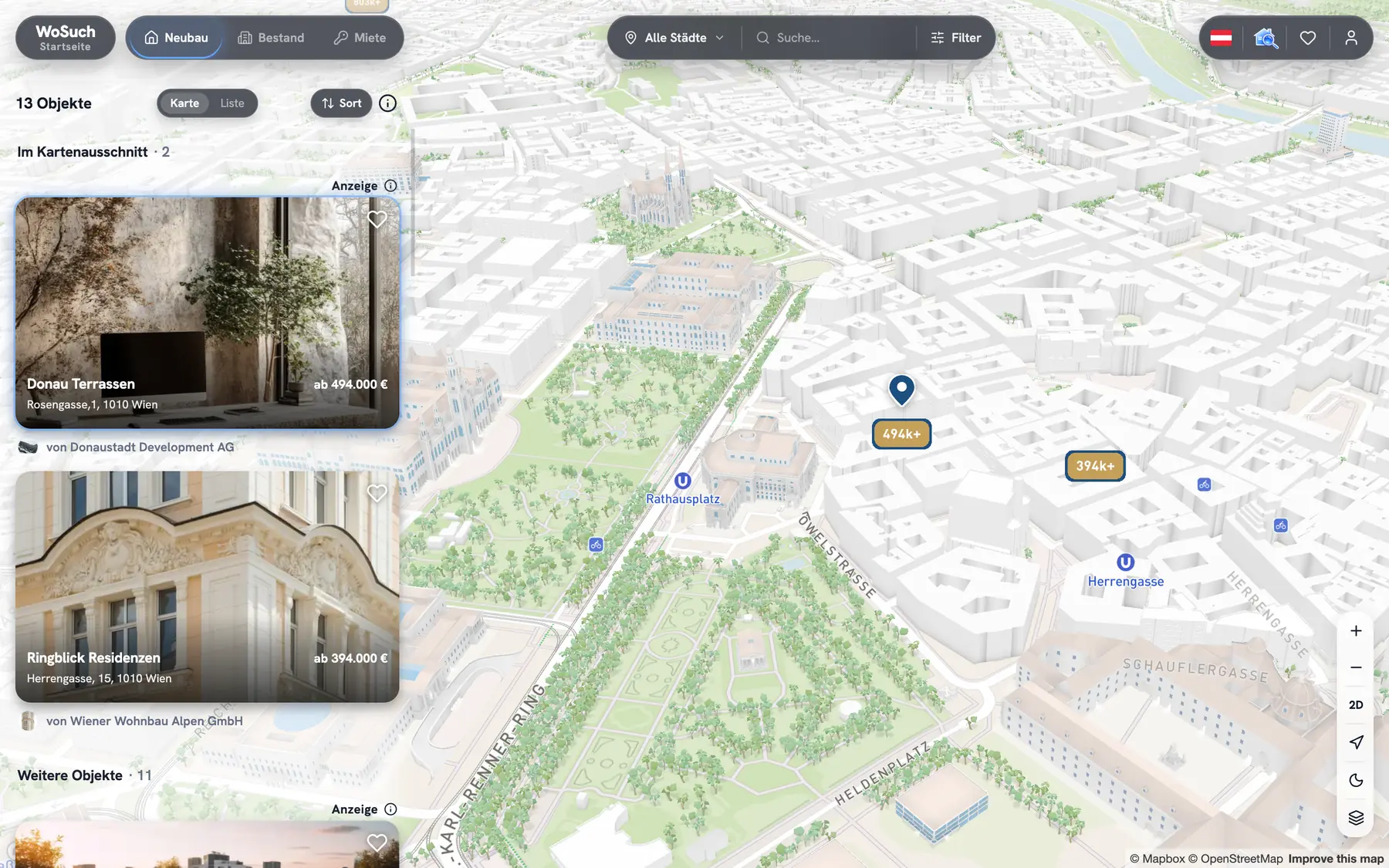
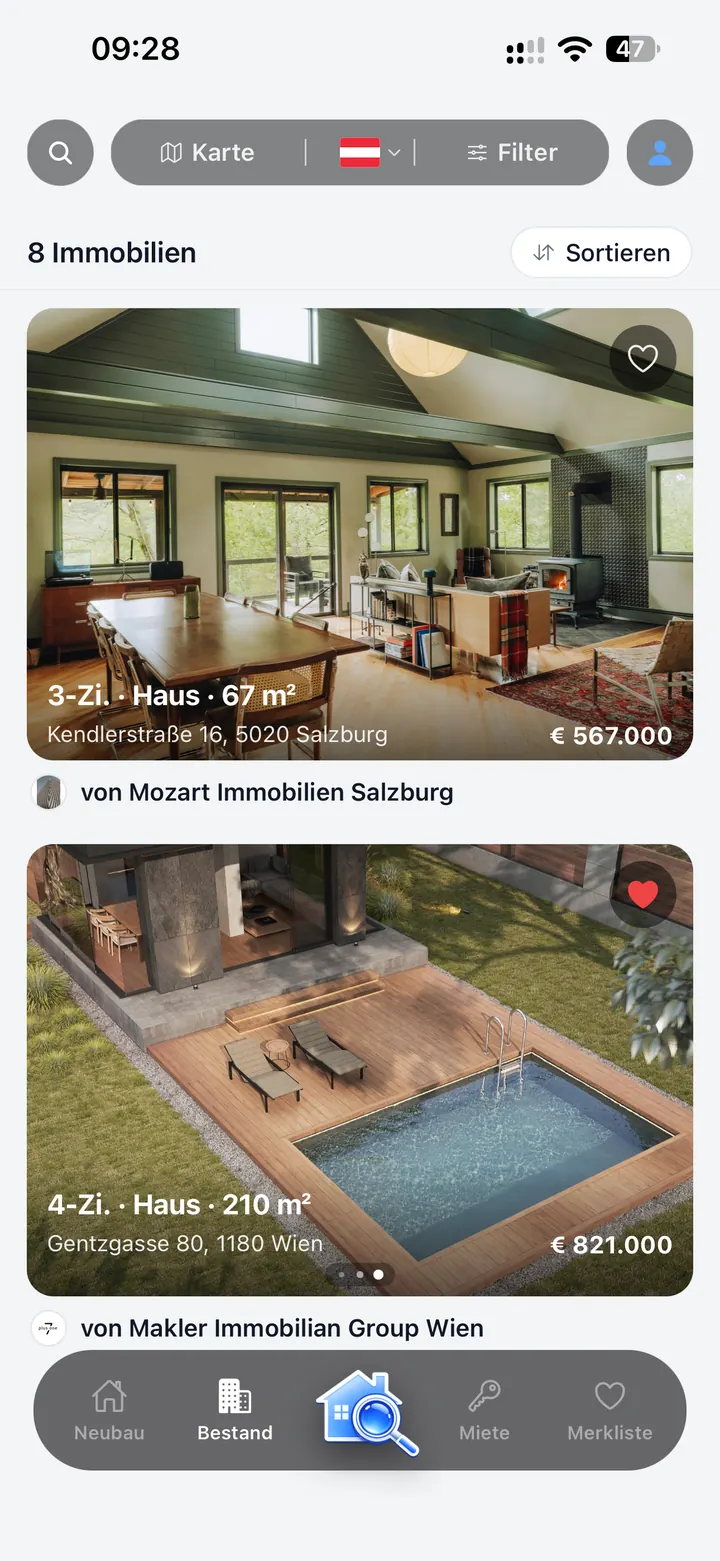
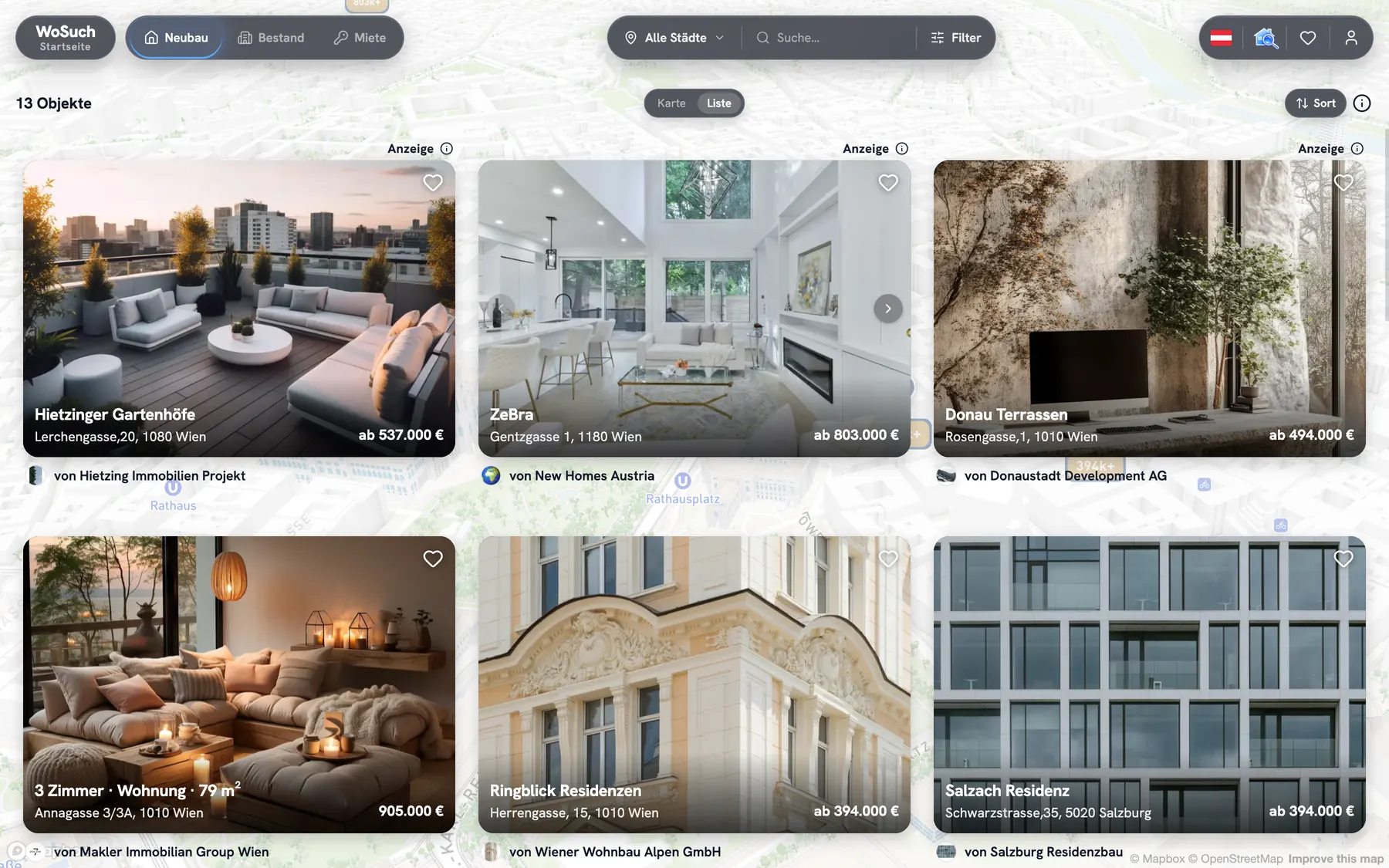
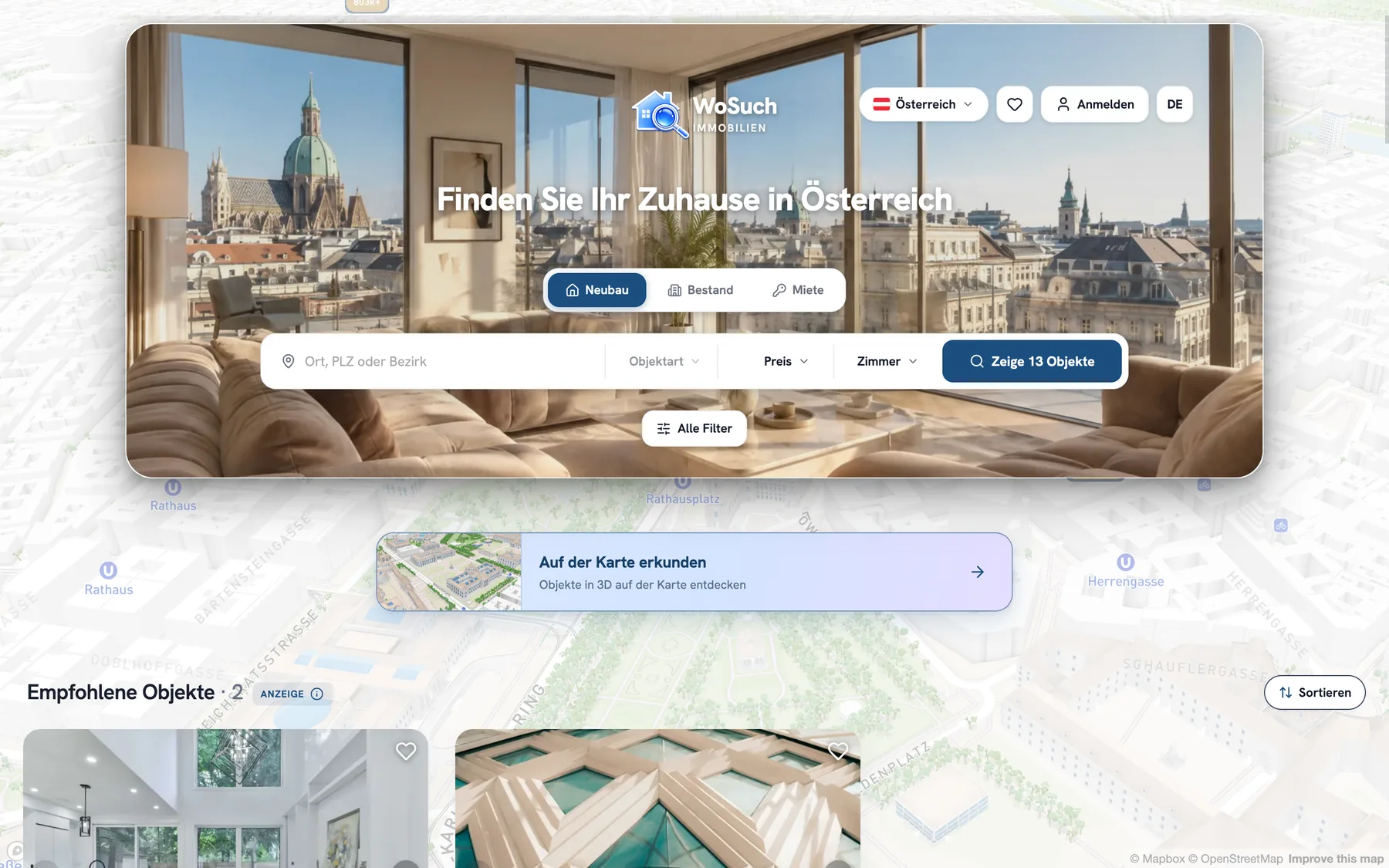
A top placement moves your listing forward in search — on the website and in the app, in the list and on the map. An ad puts your property in the "Featured properties" row — on the website’s homepage and in the app. Both clearly marked, both following fixed rules.
Premium: the first page
Seven fixed positions on the first page: 1, 2, 3, 7, 12, 18 and 23. Where almost every search begins — and always marked "Ad".
One package, one page
In the same rhythm, Plus has seven positions on page two and Basis seven on page three. Every package stays within its positions: no listing moves up into a higher package or down into a lower one.
Everyone gets a turn
Every hour each listing of a package moves on by one position, the last one to the first. The next day, at the same time of day, it stands one position further along than today — so every listing gets to every position at every time of day, including the evening, when most searching happens.
On the map, too
On the map, the marker of your listing is highlighted. In the list next to it, your listing comes first within its group — on the website and in the app.
Featured properties: website and app
The "Featured properties" row appears on the website’s homepage and on the home screen of the AI assistant in the app. Everyone who has selected a city in your advertising area sees it — in the matching section: New builds, Resale or Rent. With no city selected, the ads of the whole country take turns.
- Twelve places per advertising area and section. We grant no more.
- The order changes every hour.
- One place covers one advertising area and one section — on the website and in the app.
On other projects’ pages
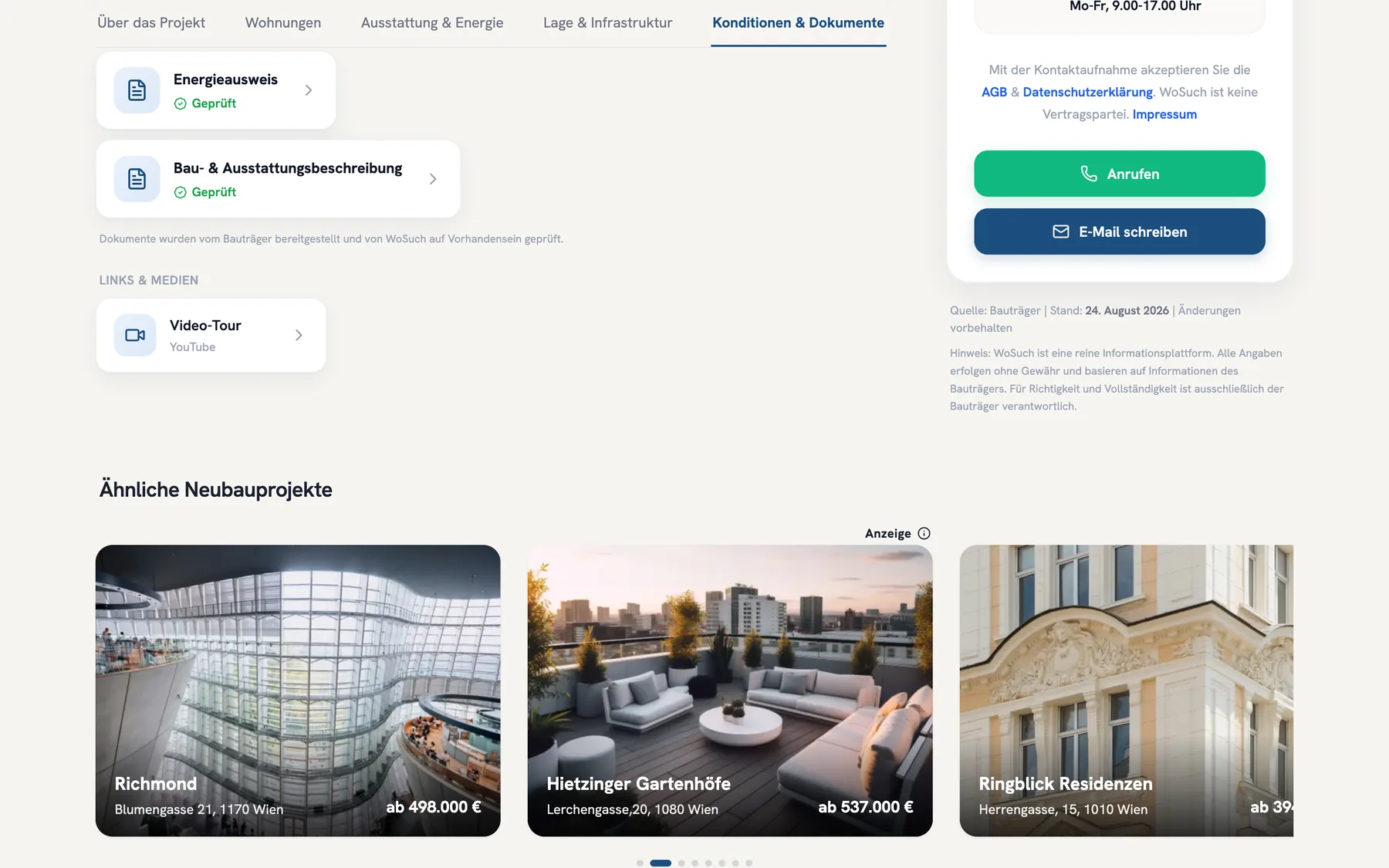
Among similar listings, places 3 and 6 may go to listings with a top placement — but only if they really are similar.
Four rules you can rely on
Only where it fits
A top placement appears only in searches whose criteria your listing meets. We never insert it where it does not belong — which protects the searchers’ trust and your budget.
Never further down than without booking
If your listing already stands ahead of your package’s position on its own merits, it stays there. A booking can only help you.
Limited places, a firm promise
For each package, city and section we grant at most seven top placements — as many as the package has positions. In searches within your city your listing therefore always stands in your package’s positions.
Clearly marked
Listings that stand further ahead because of a booking carry the label "Ad". Searchers see with one click who advertises and why.
Advertising areas
Ads in the "Featured properties" row — on the website and in the app — are seen by everyone who has selected a city in your advertising area. An advertising area is a city with its surroundings or, for smaller cities, a larger region. The price depends on the area’s class — the rules are the same everywhere.
Select an area on the map or in the list.
* Net prices, plus statutory VAT.
Prices
First page, positions 1, 2, 3, 7, 12, 18 and 23
Second page, seven positions
Third page, seven positions
* Net prices per listing and section, plus statutory VAT. The price depends on the class of the advertising area where your property is located. Longer terms cost less.
You see what it brings
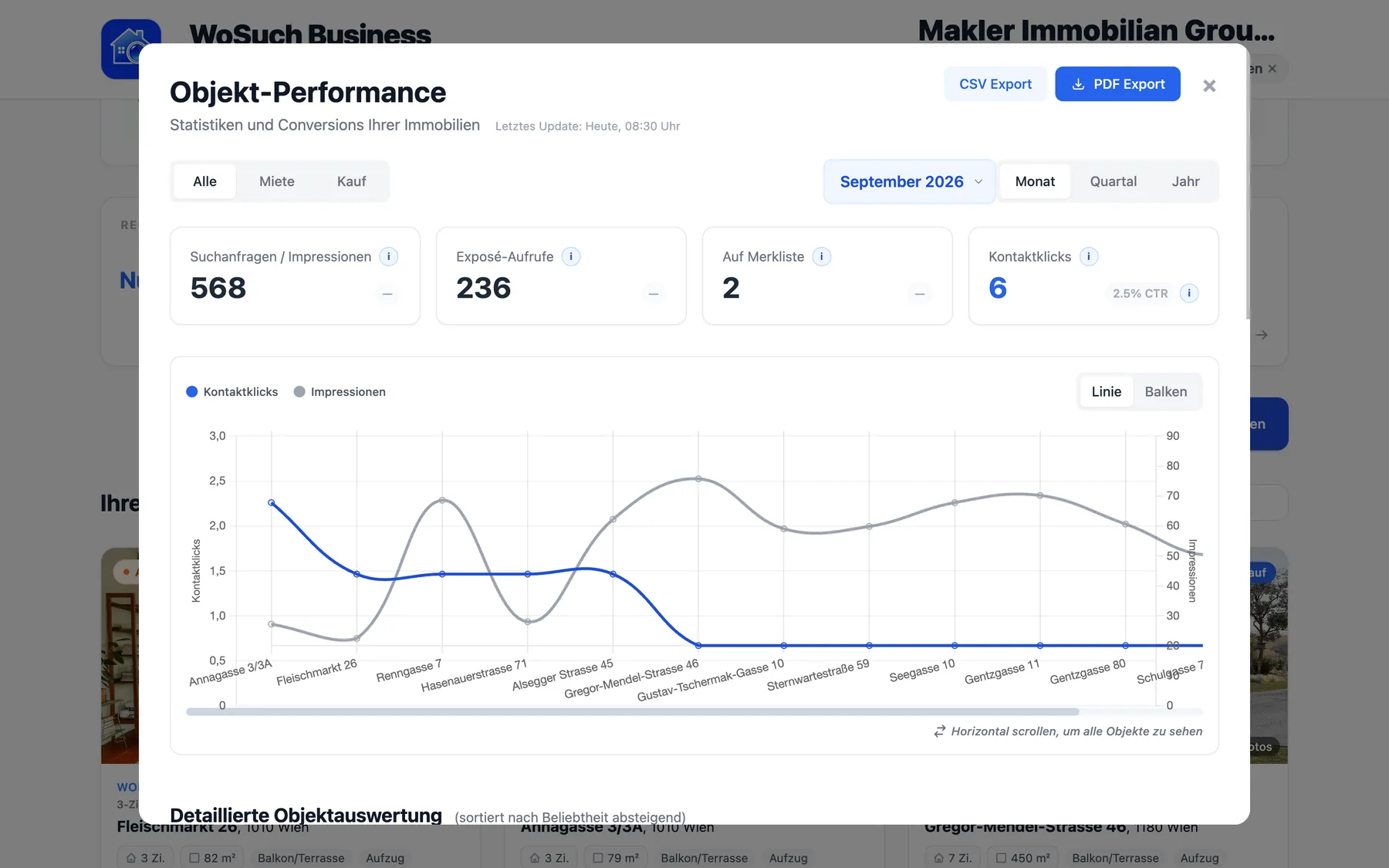
In your business account you see impressions, views and inquiries for every listing. We count inquiries once: one per person, property, channel and day.
How to book
Choose property and package
In your business account under "Book placement": property, package, section and term. The advertising area follows from your property’s location.
Reserve your place
Your booking reserves the place for you. If the places of a package in your city or the ad places in your advertising area are already taken, we tell you right away.
Receive the invoice
You receive an invoice according to this price list — at the price of your advertising area’s class.
Go live
Once payment is received we activate the placement — immediately or on the date you choose.
Frequently asked questions
The complete rules are on the pages How we sort, Terms (GTC)
What happens if all places are taken?
Then we accept no further booking for that package in your city, or for ads in your advertising area, until a place becomes free. You can choose another package or ask us to let you know as soon as a place is free.
What does "region" mean for top placements?
The city where your property is located, such as Vienna or Graz. If someone searches across several cities, the listings of a package from these cities take turns. For ads in the "Featured properties" row, the advertising area counts.
What is an advertising area?
A city with its surroundings or, for smaller cities, a larger region. Anyone who selects a city of the area on the website or in the app sees the area’s ads — someone searching in a suburb also sees the city’s, and vice versa. With no city selected, the ads of the whole country take turns.
How is my property’s advertising area determined?
Automatically from the property’s location. We tell you area and price before you book. If your location is not yet in any advertising area, we assign it before you book.
Why do advertising areas cost different amounts?
The price depends on the size of the market: Class A for the largest cities, B for large cities, C for further regions. Places, rotation of the order and labelling are the same everywhere.
Can I place a listing in all sections?
Each booking covers one section: New builds, Resale or Rent. For several sections you book several placements.
What if my listing does not match a search?
Then it does not appear in that search — not even as an ad. A placement lifts matching listings; it does not insert unmatched ones.
Can I pause a placement?
Yes, on request. Your place stays reserved for you during the pause. The booked term keeps running and is not extended.
Where are there no paid placements?
When sorting by price, area or recency, in search alerts and notifications, on providers’ profile pages and in the other rows of the homepage.

Ready for the first page?
Book in your business account or write to us — we answer personally.